How to bring an AI design to your artist
An AI design is a reference, not a tattoo. Here is how to hand one to an artist honestly and get a better tattoo out of it.
The short version
- Call it a reference, not a design you want copied exactly. That one word changes the whole meeting.
- Print it at true size in black and white, and write the measurement in centimeters and inches on the page.
- Expect the artist to redraw line weight, spacing and detail density. That is the job, not a rejection.
- Some artists decline AI references. Respect it, ask what they would prefer, or book someone else.
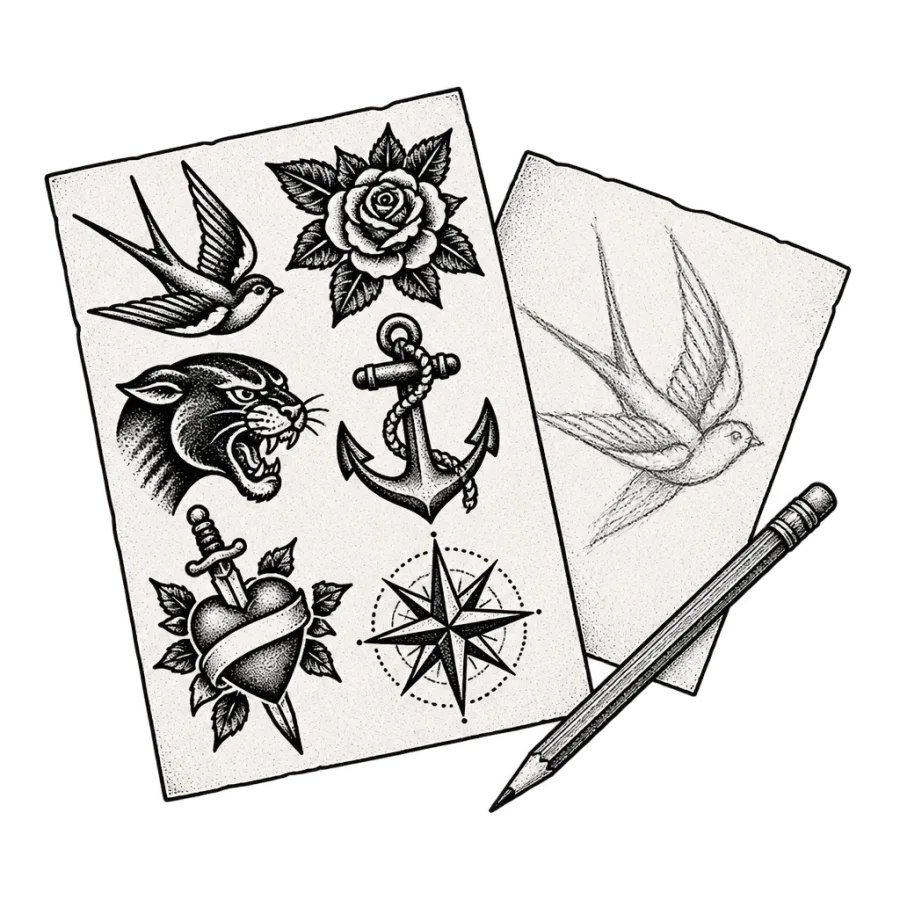
We make AI tattoo designs, so we have a stake in this. We also talk to artists, and a fair number of them do not like AI references. That is worth saying plainly rather than talking around. This article is about how to use a generated design well, what to expect at the studio, and how to have the conversation without wasting anyone’s afternoon.
The short version: a generated image is a starting point that saves you from describing an idea badly. It is not a finished tattoo, it will not survive contact with your actual body unchanged, and the artist is the person who turns it into something that works on skin. Treat it as a reference and the rest goes fine.
What an AI design is, and what it is not
A generated image is a picture of a tattoo, not a tattoo. It shows an idea in a style, at a rough scale, with a composition you can react to. That is genuinely useful, because most people cannot describe what they want and end up saying something like a wolf but not aggressive, kind of geometric. An image replaces ten minutes of guessing.
What it is not is a technical drawing. Generated images routinely contain lines too thin to hold, shading gradients no needle produces, detail packed at a density that will close up within five years, and symmetry that is subtly wrong. None of that is visible to an untrained eye and all of it is obvious to an artist within a few seconds.
Why some artists dislike AI references, and why they have a point
Three complaints come up repeatedly and all three are fair. First, training data. Models learned from images that include tattoo artists’ own work, posted publicly, with no consent and no payment. If someone has spent fifteen years building a recognizable style, seeing it approximated by a generator is not an abstract concern for them.
Second, clients who bring a generated image and want it traced exactly, refusing the changes that make it tattooable. Third, sheer volume of unusable references. An artist who has spent the year explaining why a picture cannot go on skin as it appears will be short with the next person who walks in with one.
None of that means you cannot use a generated reference. It means you show up understanding it is a conversation starter, you say so first, and you defer on the technical calls. Artists rarely object to the tool itself. They object to being asked to act as a printer. The ones who mind least are usually the ones whose clients arrive expecting to be redrawn.
How to raise it at the consultation
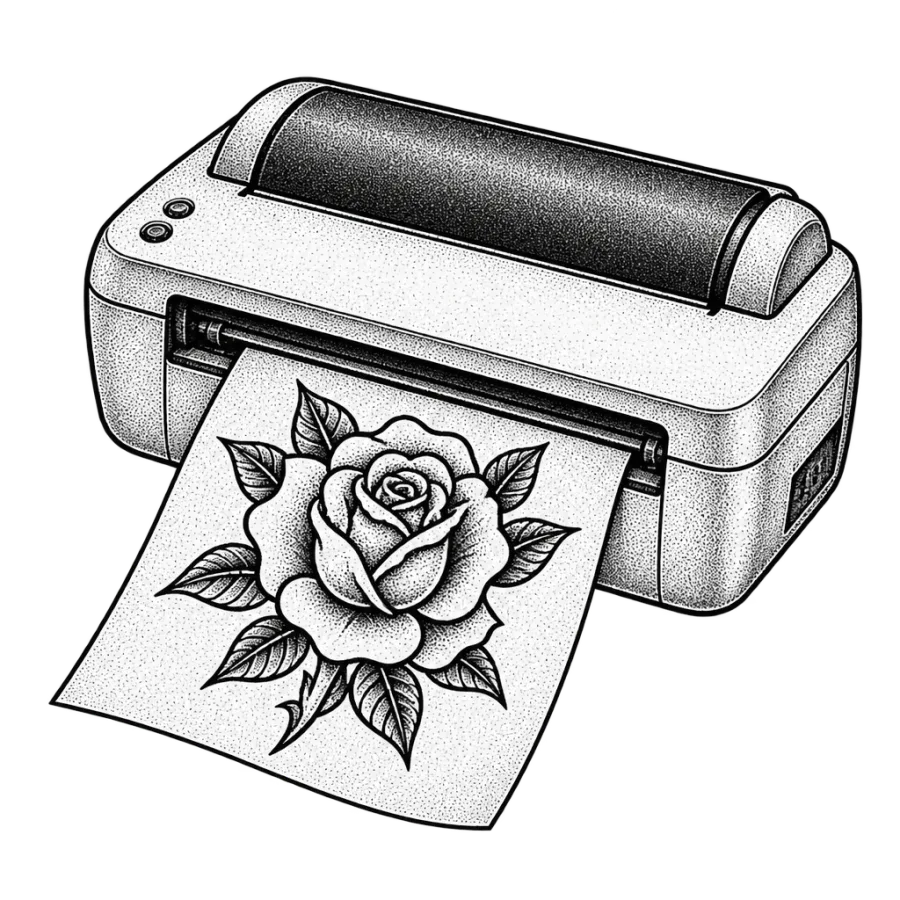
Lead with honesty and lead with it early. Something like: I generated this to get my idea across, it is a reference rather than a final design, please change whatever needs changing. That sentence resolves almost every version of this awkwardness before it starts, because the artist immediately knows you are not asking for a trace.
Then hand over the rest of the context, which matters more than the image: the placement, a photo of that body part, the size in centimeters, your budget, and one line about why you want it. Bring two or three references, including a couple of real healed tattoos in the style you want, so the artist can see what you like about the generated one rather than guessing.
What a stencil actually is
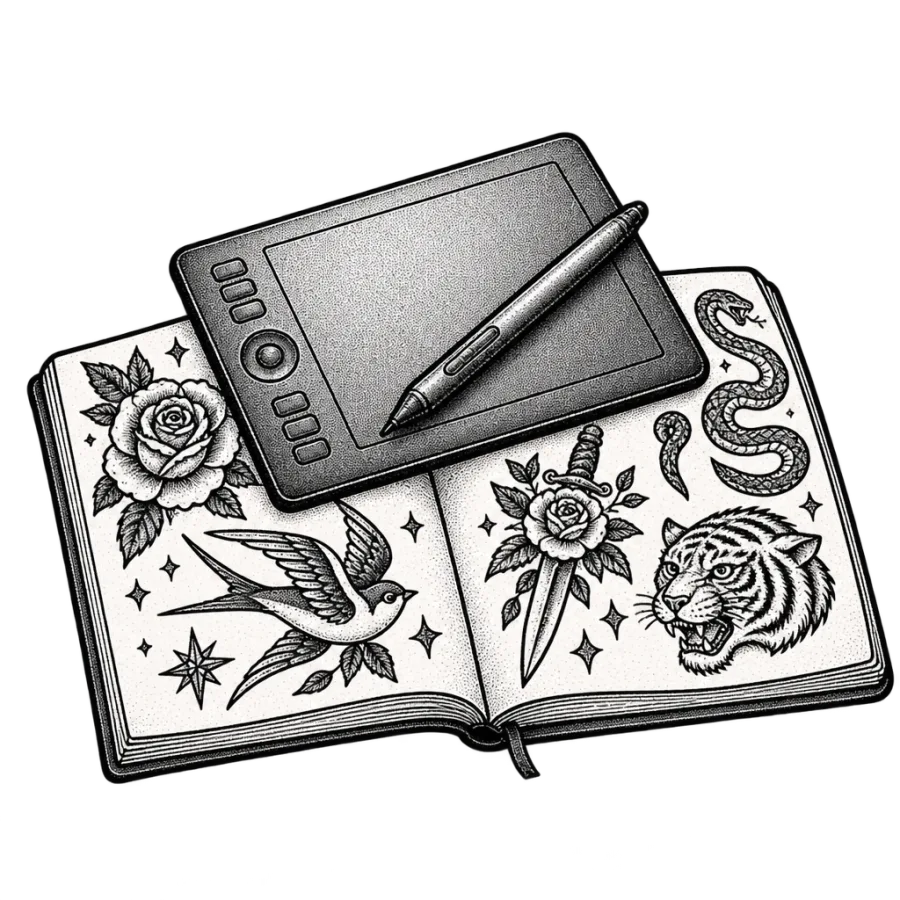
A stencil is the line drawing transferred onto your skin as a guide before any needle work starts. Traditionally it is drawn or printed onto thermal transfer paper, applied with a gel or soap based solution, and left to dry for a few minutes. It is purple or blue, it stays on through the session, and it washes off afterwards.
The key thing to understand is that a stencil is line only. It cannot carry shading, gradients, color or texture. Everything you see in a generated image beyond the outline is information the artist holds in their head and produces by hand as they work. So the useful version of a generated design is one whose structure survives reduction to clean lines. If the picture is only impressive because of its rendering, there is less there than it looks.
Printing at true size
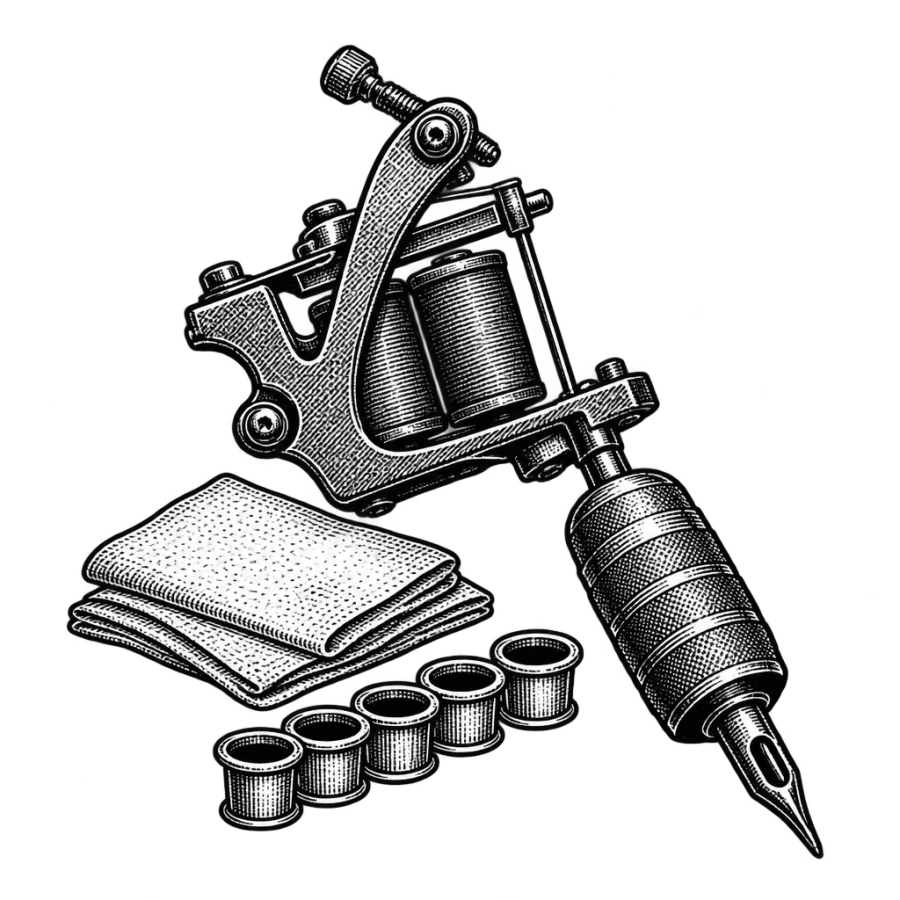
Bring a physical print, at the size you actually want, in black and white. Images on a phone lie about scale constantly, and half of all placement disagreements come from a client who pictured something twice as big as what they described. Color prints are worse than useless for line work, because they hide how thin the lines really are. A flat black and white print shows the artist the structure, and shows you honestly how much of the design was rendering rather than drawing.
Getting true size right is mechanical. Decide the height or width in centimeters, set the print dialog to 100 percent or actual size with scaling turned off, print, then measure the paper with a ruler to confirm. If it came out wrong, adjust and print again. Then cut it out, tape it where it is going, and live with it for an evening.
Bring this to the appointment
- The design printed at true size, plus one copy 20 percent larger
- The measurement written on the page in cm and inches
- Two or three healed real tattoos in the style you want
- A photo of the placement, or just the body part itself
- Your honest budget and how many sessions you can commit to
What your artist will change, and why they should
Expect a redraw. Not a refusal, a redraw. The artist rebuilds the design so it functions as a tattoo: thickening lines that would disappear, opening space between elements that would merge, cutting detail that cannot hold at your chosen size, fixing anatomy, and reshaping the composition to fit the curve of your arm rather than the flat rectangle of an image.
They will also correct the things generated images get wrong in specific, repeated ways. Symmetry that is close but off. Hands and paws with the wrong count. Text that is almost but not quite a real word. Ornamental patterns that do not repeat correctly when you follow them around. Flowers with impossible structure. None of these read as errors in a small picture and all of them read as errors on skin at 20 cm.
If an artist hands back a drawing that has kept your concept and changed nearly every line, that is the good outcome. You paid for judgment about how ink behaves in living skin over decades, which no image generator has. The goal was never to get your picture tattooed. It was to get the tattoo your picture was reaching for.
Copyright and who owns what
Current US practice is that a purely AI generated image is not protected by copyright, because registration requires human authorship. Practically, that means nobody holds an exclusive claim on the raw output, including us. You are free to use designs you generate here for your own tattoo, and our terms say so.
The drawing your artist makes from it is a different matter. That is human authorship, and in most countries the artist holds copyright in it even though the tattoo lives on you. In practice this almost never comes up between reasonable people. If you plan something commercial, a brand mark or merchandise, settle it in writing before the session rather than after.
The honest position
A generator is good at one narrow thing: turning a vague idea into something specific enough to react to, quickly, without paying for four rounds of custom drawing to discover you wanted something else. That is a real saving of time and money for you and for the artist, since drawing time is billable and every round of revision is time somebody pays for.
It is bad at everything after that. It does not know your skin, your placement, how thin a line can be before it spreads, how the piece should sit against what you already have, or what you will still want at 50. A licensed artist knows all of it. Bring the design, say out loud that it is a starting point, and let them do the part that needs a person.
Questions people ask
Will a tattoo artist accept an AI generated design?
Most will, as long as you present it as a reference and accept changes. A minority have a stated no AI policy, usually over training data taken from artists’ own work. Ask when you enquire rather than at the appointment. If they decline, offer to start from a written description and photos of real tattoos instead.
Can an AI design be used directly as a stencil?
Rarely without work. A stencil carries lines only, so any shading, gradient or texture has to be reinterpreted by hand. Generated lines are also often too thin or too closely packed to hold in skin for more than a few years. Expect the artist to redraw the line work, keeping your composition and fixing what would not survive.
How do I print a tattoo design at the right size?
Decide the height or width in centimeters, open the print dialog, set scaling to 100 percent or actual size, print, then measure the result with a ruler. Adjust and reprint if it is off. Cut it out, tape it in place and wear it for a day. Bring the correct print plus one copy 20 percent larger.
Who owns the copyright on an AI tattoo design?
In the US, a purely AI generated image generally has no copyright protection because registration requires human authorship, so nobody holds an exclusive claim on the raw output. The drawing your artist produces from it is human work and the artist normally owns that. For anything commercial, agree ownership in writing before the session.
Is it cheaper to bring my own design?
Sometimes, modestly. Many artists fold drawing time into the hourly rate or charge $50 to $150 for design work, and a clear reference can shorten that. It does not reduce tattooing time, which is most of the cost. Do not present a reference as a way to pay less. Present it as a way to be understood faster.